Bring your media
Start a project and import video or images from your PC. Arrange clips on the timeline and choose the moments you want to keep.
 ssakcut싹컷
Trim, arrange, and turn motion into a GIF. From your next edit to your product page, meet SsakCut.
Break a big edit into small, useful steps. Make a video, or a little motion that explains your product.
Save just the part you need as a GIF. Choose an 8MB-or-less or under-10MB target: SsakCut keeps your output dimensions and adjusts FPS and palette colors. If the target cannot be met, it tells you instead of silently shrinking the picture.

Product media example: an electric grinder in use. Original GIF: 860 × 700px, 81 frames, 6.48s, 6,720,724 bytes. This is an existing product asset, not a SsakCut export or compression benchmark.
Arrange video, images, text, subtitles, and sound on separate tracks. Trim and join clips, add transitions and filters, adjust position, size, and keyframes, then save the result as MP4 or GIF.
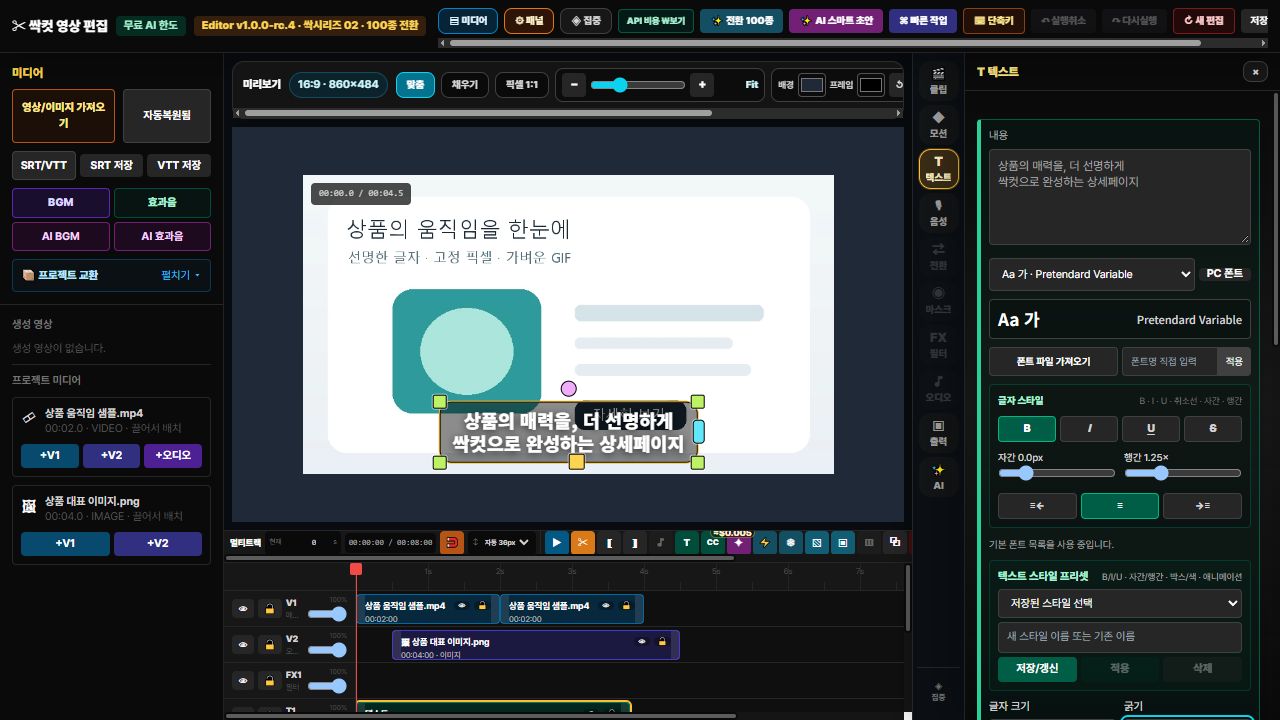
The actual editor screenshot is being prepared. Explore the feature list and guide below.
Basic editing, project saving, and local MP4/GIF export are available without a separate subscription. You do not need a personal AI key, and the app does not automatically switch you to a paid plan.
Trimming · tracks · transitions · text
IncludedMP4 export · GIF conversion · size targets
IncludedBack up the project with its source media
IncludedPrompt writing, scene analysis, and edit review connect to a dedicated service. Installation-level monthly limits and a shared service budget both apply; availability depends on those limits and server status. Basic editing remains available when AI is unavailable.
Automatic subtitles and AI voice, music, and image generation remain disabled while verification continues. Manual subtitles and SRT/VTT are basic editing features. Limits reset by UTC calendar month; beta policies may change.
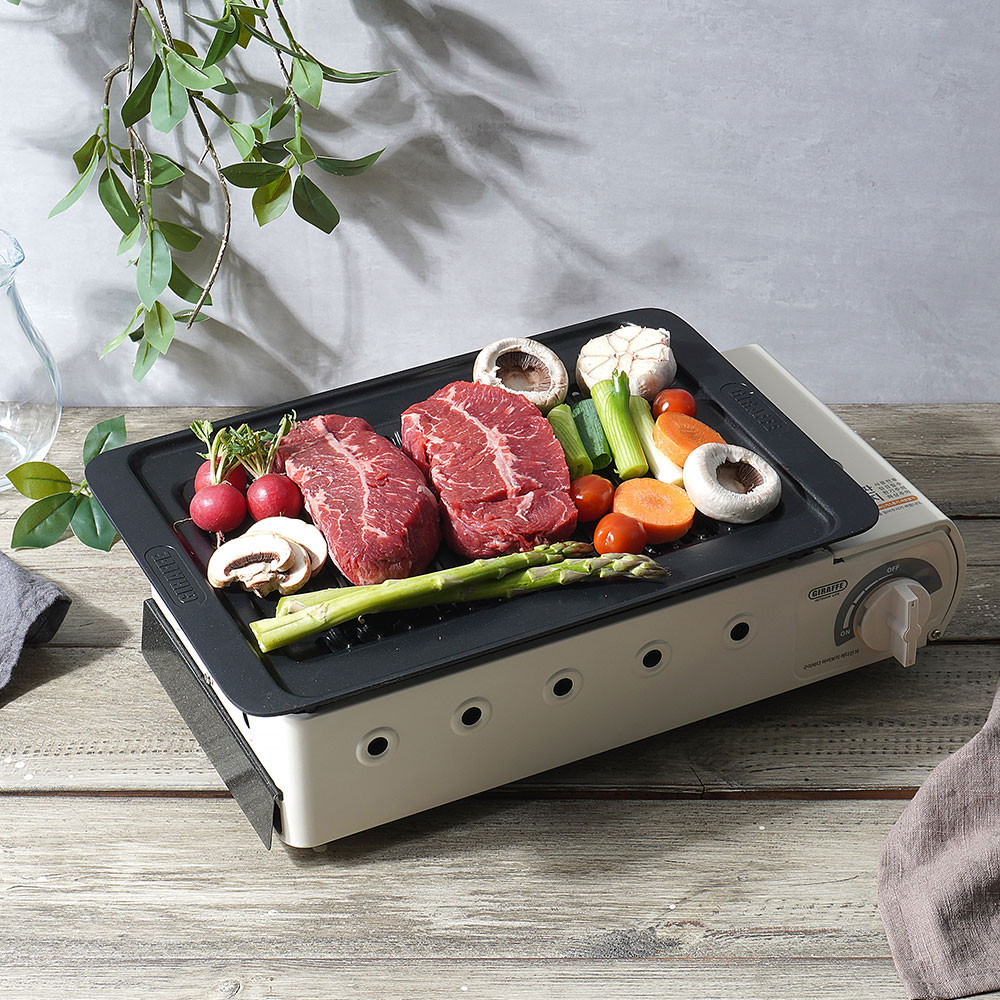
From a product photo to a product page in motion.
Start a project and import video or images from your PC. Arrange clips on the timeline and choose the moments you want to keep.
Trim your clips, adjust their timing, and add titles, subtitles, or sound. Preview transitions and filters before deciding what to keep.
Use MP4 for a video or GIF for a short product-page moment. Choose GIF dimensions and a file-size target, then check the actual result. Back up a project package if you want to edit it again.
A review beta for 64-bit Windows 10/11. Choose the format you prefer. Some AI features are still being verified; keep a separate project backup for important work.
Install SsakCut on your PC, then open it from your installed apps.
Download installer ↓SsakCut_1.0.0-rc.5_Setup.exeExtract the entire ZIP and run SsakCut.exe. Keep ssakcut-service.json beside it; this file contains only the public server address.
Download ZIP ↓SsakCut_1.0.0-rc.5_Portable.zipRequires Edge or Chrome and an internet connection. The first MP4/GIF engine load and some interface resources use the internet. Windows binaries are not yet code-signed. macOS and Linux downloads are not available.
Checking file information.
No. GIF supports up to 256 colors; quality and size depend on content, dimensions, length, and FPS. A GIF may be larger than the MP4. If a size target is difficult to meet, shorten the range or choose smaller dimensions yourself. Check your store's current upload requirements.
Text, analysis, and review are available within free beta limits, not without limits. The shared budget and service status can affect availability. Automatic subtitles, voice, music, and image generation remain disabled. AI sends your chosen text or media to the dedicated service and Google AI when you use it.
Back up a project package with its source media for future editing. MP4 and GIF are finished outputs, not the same as a project that preserves editable tracks. Some transitions, filters, and masks may not reproduce identically in another editor.
Basic editing and local export run on your PC. Using AI sends the request and selected media through a dedicated relay to the Google Gemini API; no personal API key is needed. The server retains anonymous sessions, usage, and duplicate-request records. Result access expires after 24 hours and deletion is scheduled by a one-day lifecycle; physical deletion may be delayed. See the privacy notice for basic statistics and contact handling.
SsakCut is a beta under review. Keep separate backups of important media and projects, and review AI results yourself. Check that you have the rights and permissions for your inputs. Features and free beta policies may change.